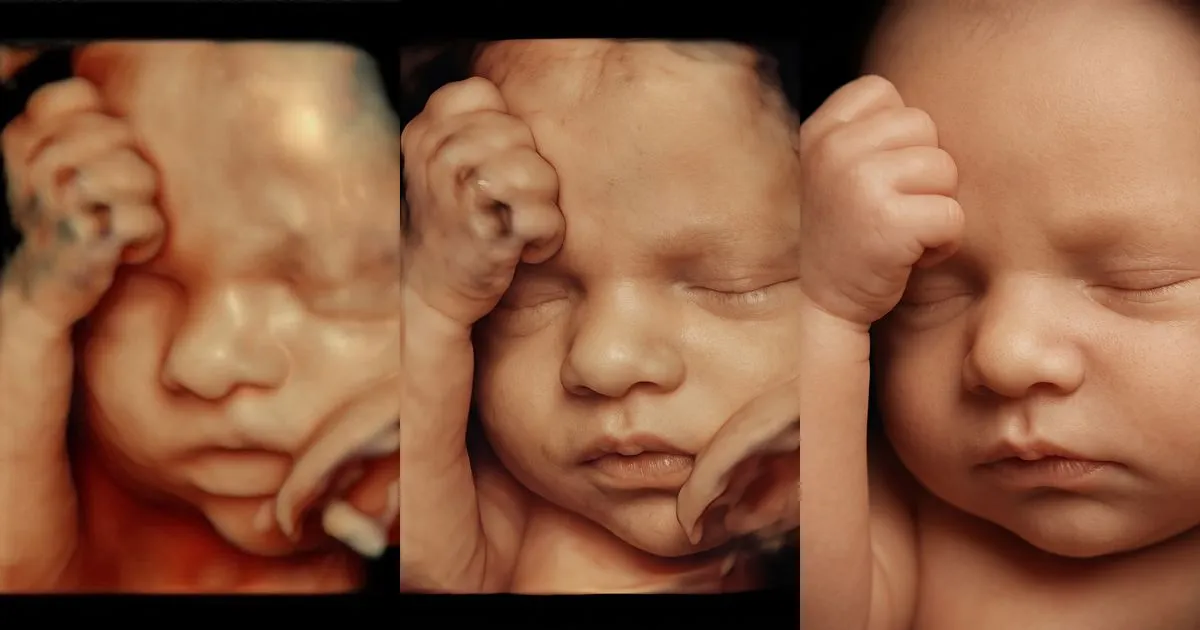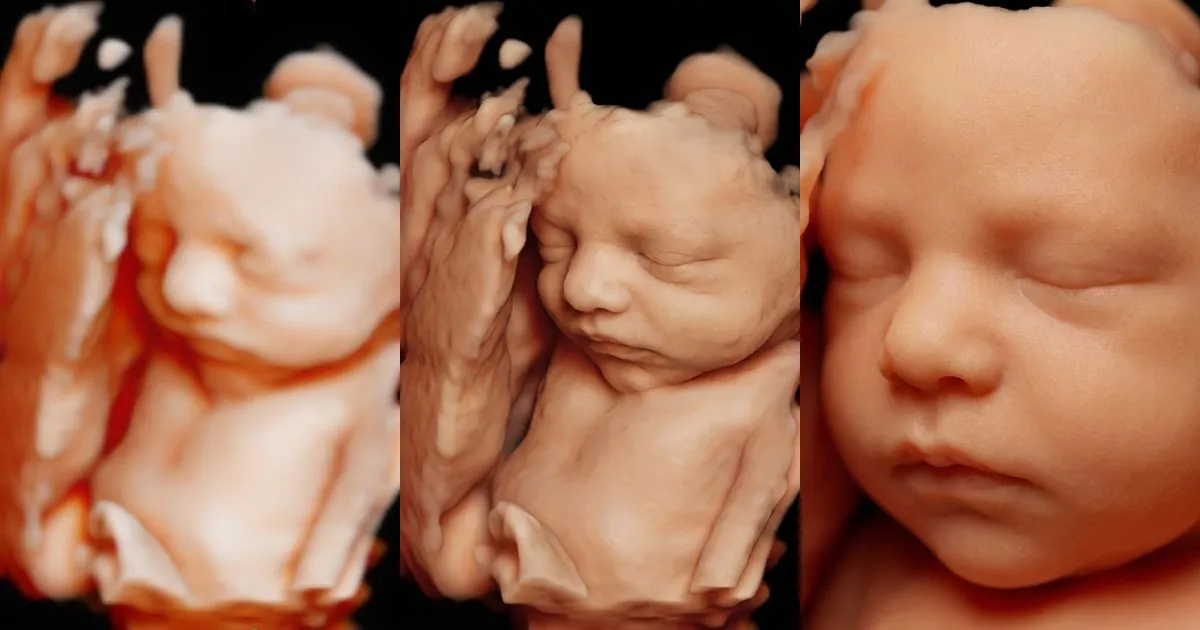
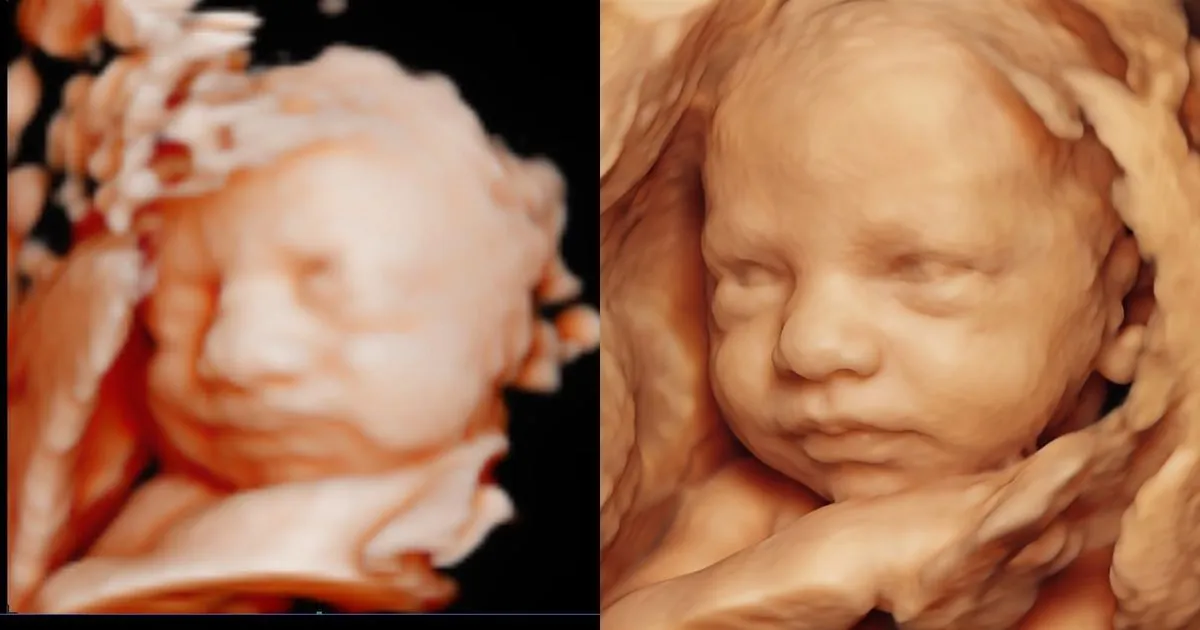
A 4D or 5D session lasts twenty or thirty minutes, but what parents keep are the images. How and when you deliver them shapes what they remember about your clinic, what they share with family and whether they come back or recommend you. This guide covers the delivery formats, how to protect quality and privacy, and the extras that turn images into a keepsake.
Delivery formats, one by one
| Format | Pros | Cons |
|---|---|---|
| Download link | Arrives the same day, with full-quality photos and video; can expire | Needs setting up once |
| Text message | Many parents’ favorite; instant | Compresses images and video; health images on a non-professional channel |
| Simple and professional | Size limits for video; sometimes lands in spam | |
| USB drive | Something physical to keep or give | Cost per unit; fewer and fewer computers have the port |
| Prints and frames | The keepsake most often given as a gift | Takes time to choose and prepare images |
What works best is combining two: a digital format that arrives the same day, with everything included, and a physical one as an add-on for those who want it.
How to protect quality
- Export at the highest resolution your machine allows: JPG for photos and MP4 for video.
- Be selective. Ten or twenty good images and a short video are worth more than a hundred near-identical captures.
- Mark a favorite. The best image of the face is the one parents will print, use as a phone background or turn into a portrait.
- Avoid phone photos of the monitor. They lose sharpness and pick up glare.
Privacy: these are health images
An ultrasound is health information about your patient. Whether HIPAA applies depends on how your practice is set up, but it is worth handling every image as protected information anyway:
Before you send the images
- Remove or cover the patient’s name and the details in the machine header
- Send them only to the email or phone number the patient gives you
- If you use a link, make it expire after a few days
- Get written permission before using any image on your clinic’s social media
- Check with your compliance advisor which channel and consent you need
Add a portrait to the delivery
Turn the best image of the session into two hyperrealistic portraits of the baby in under a minute and deliver them with the rest. Free sign-up with 2 trial uses.
Try it free at my clinic →When to deliver
Ideally during the visit or, at the latest, the same day. Parents want to show the images to family that same evening, and fast delivery is one of the first things they mention when they recommend a clinic. If the video needs editing, deliver the photos right away and the video the next day.
Extras that turn delivery into a keepsake
- A hyperrealistic portrait: a lifelike version of the best image, which parents share far more than the ultrasound itself. See how to sell it in how to offer hyperrealistic baby portraits at your clinic.
- A framed print: the classic gift for grandparents.
- A video with music: the best minutes of the session, ready to share.
- A card with the week and date: a simple detail parents keep.
All of them are made from images you have already captured, so none of them extend the scan. To bundle these extras into packages, read how to increase revenue per patient at an ultrasound clinic.
Sources
- U.S. Department of Health and Human Services — Covered entities and business associates